In today’s world, smart home technology is no longer a luxury but a necessity for convenience, security, and energy efficiency. Among the many devices available, the Lutron Caseta Wireless Smart Bridge (L-BDG2-WH) stands out as one of the most reliable and versatile smart home hubs on the market. This compact device acts as the brain of your smart home ecosystem, seamlessly integrating lighting, shades, and thermostats with voice control and mobile apps.
If you’re looking for a product that combines simplicity, powerful performance, and wide compatibility, then the Lutron Caseta Smart Bridge is the perfect choice. In this comprehensive guide, we’ll cover everything you need to know about this device, from its key features to setup, benefits, and why it’s one of the best investments for your home automation journey.
What is the Lutron Caseta Wireless Smart Bridge?
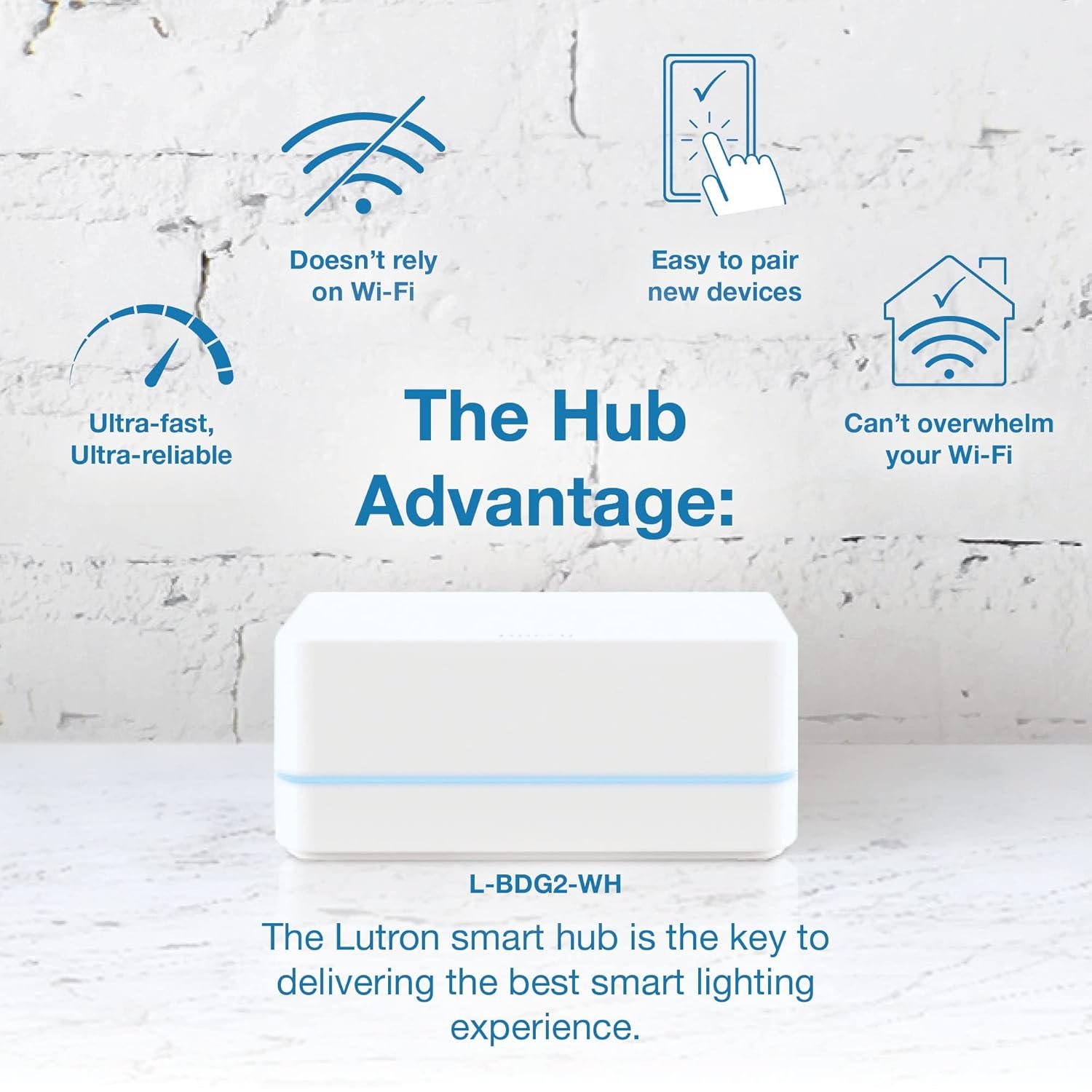
The Lutron Caseta Wireless Smart Bridge is a compact hub designed to connect all your Lutron Caseta devices to your Wi-Fi network, enabling full smart control via the Lutron app, Alexa, Google Assistant, and Apple HomeKit. Acting as the central controller, the Lutron Caseta Wireless Smart Bridge ensures that your smart dimmers, switches, and shades work together effortlessly. Unlike many other hubs, the Lutron Caseta Wireless Smart Bridge does not rely solely on Wi-Fi; instead, it uses Clear Connect RF Technology, which provides ultra-reliable performance and reduces interference from other wireless devices.
Key Features of the Lutron Caseta Smart Bridge
When you purchase the Lutron Caseta L-BDG2-WH, you gain access to a wide range of smart features that enhance daily life:
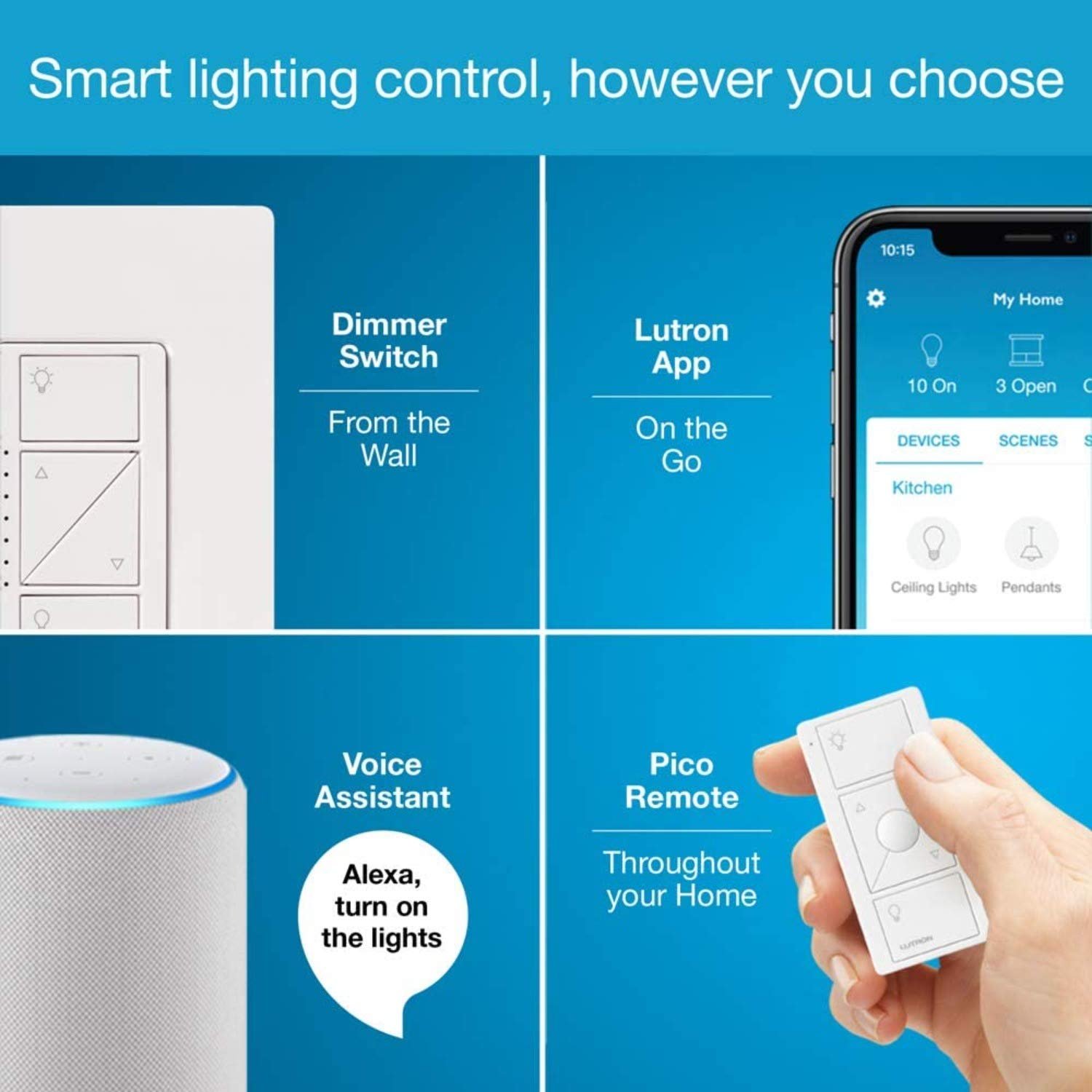
- Smart App Control – Control lights, shades, and temperature from anywhere with the Lutron app on iOS and Android.
- Voice Assistant Compatibility – Works with Amazon Alexa, Google Assistant, and Apple Siri for effortless hands-free operation.
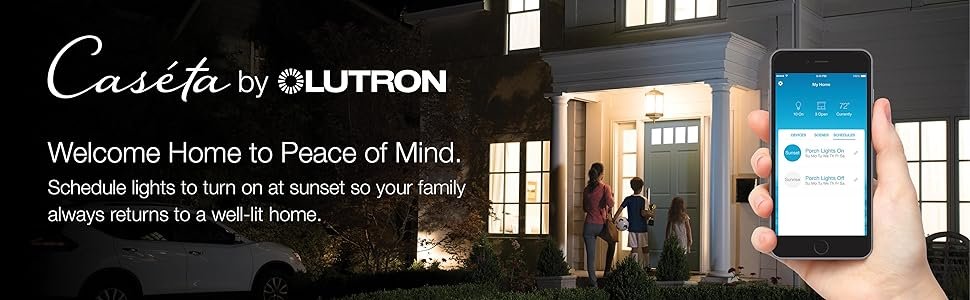
- Scheduling & Scenes – Automate lights based on your lifestyle, such as turning on at sunset or dimming when you watch a movie.
- Geofencing Technology – Lights automatically turn on when you arrive home and off when you leave.
- Expandability – Connects with up to 75 Lutron devices, making it perfect for small apartments or large homes.
- Smart Away Feature – Randomizes lights to give the illusion that someone is home, enhancing security.
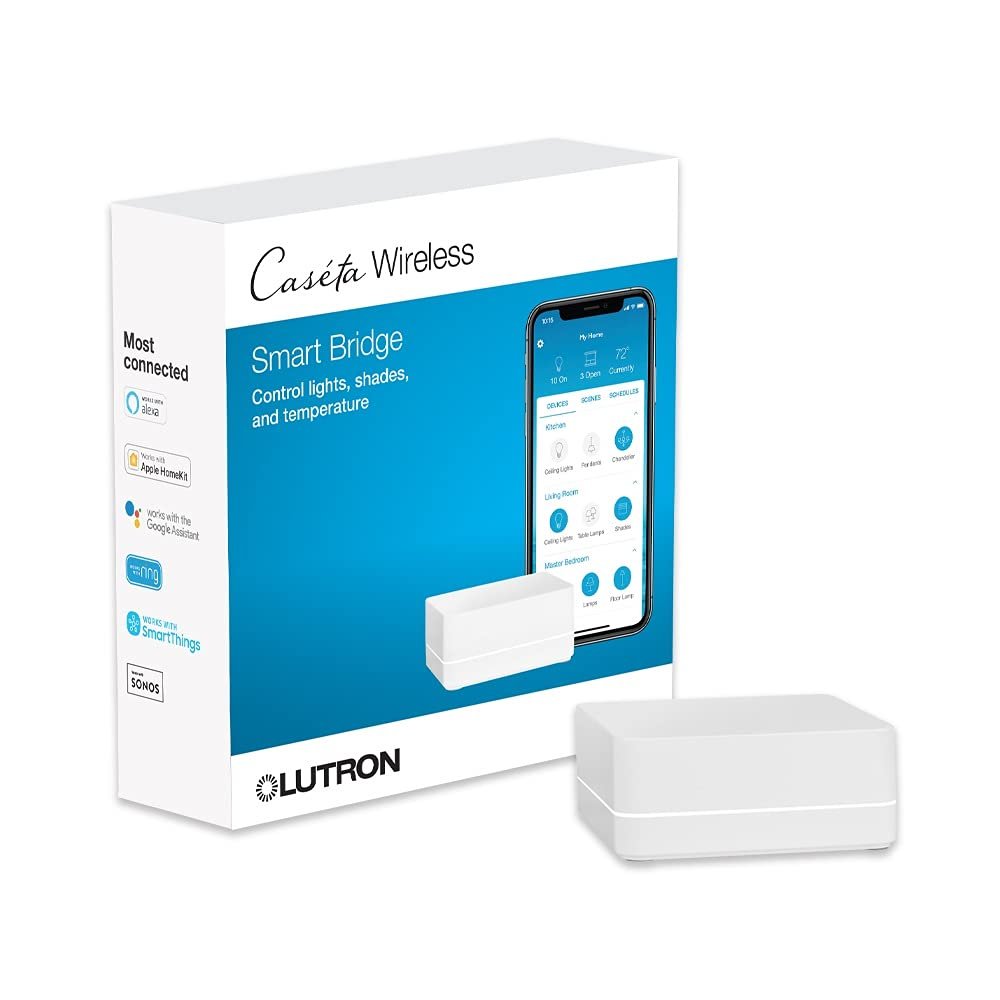
- Integration with Other Platforms – Compatible with Sonos, Ring, SmartThings, Honeywell Thermostats, and more.
Design and Build Quality
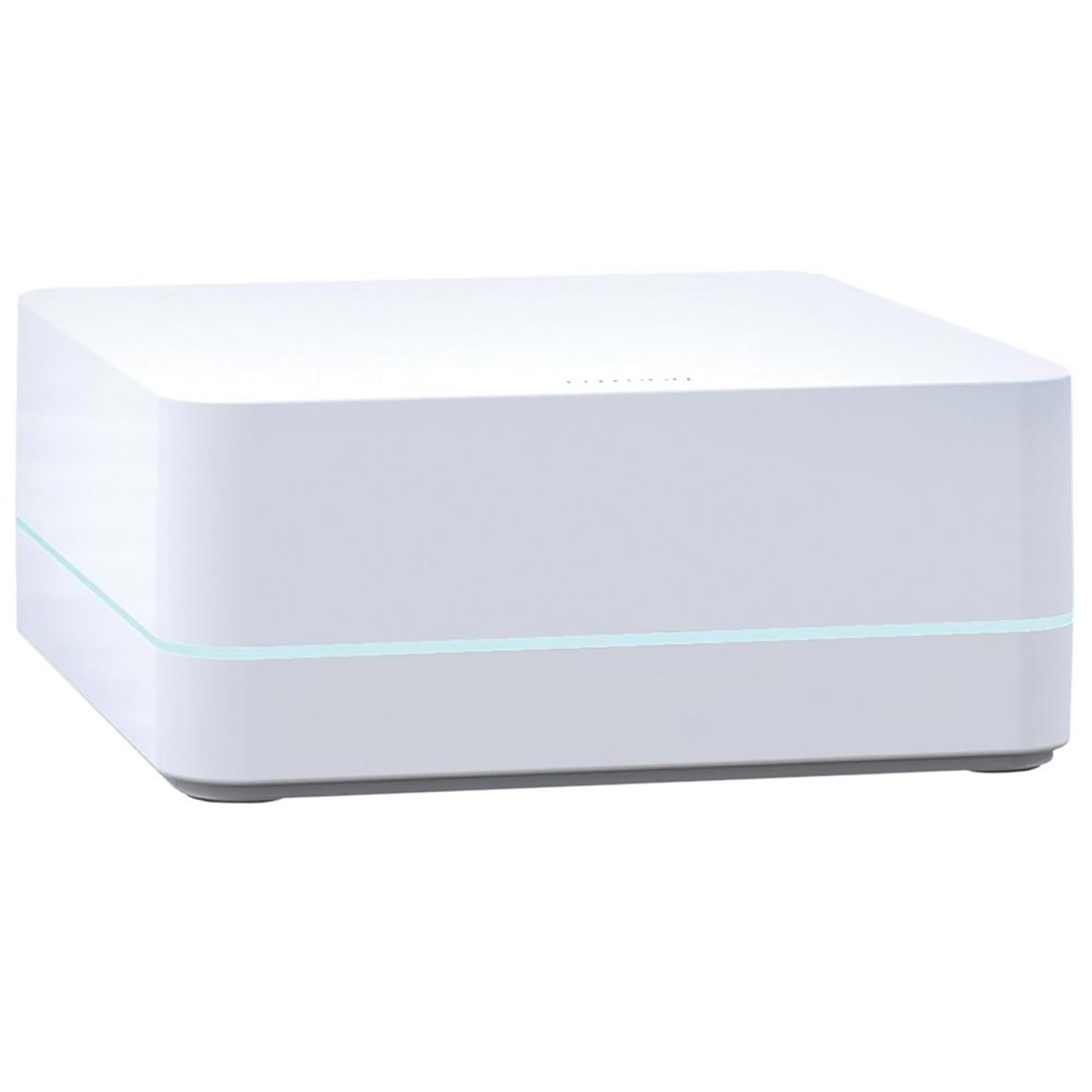
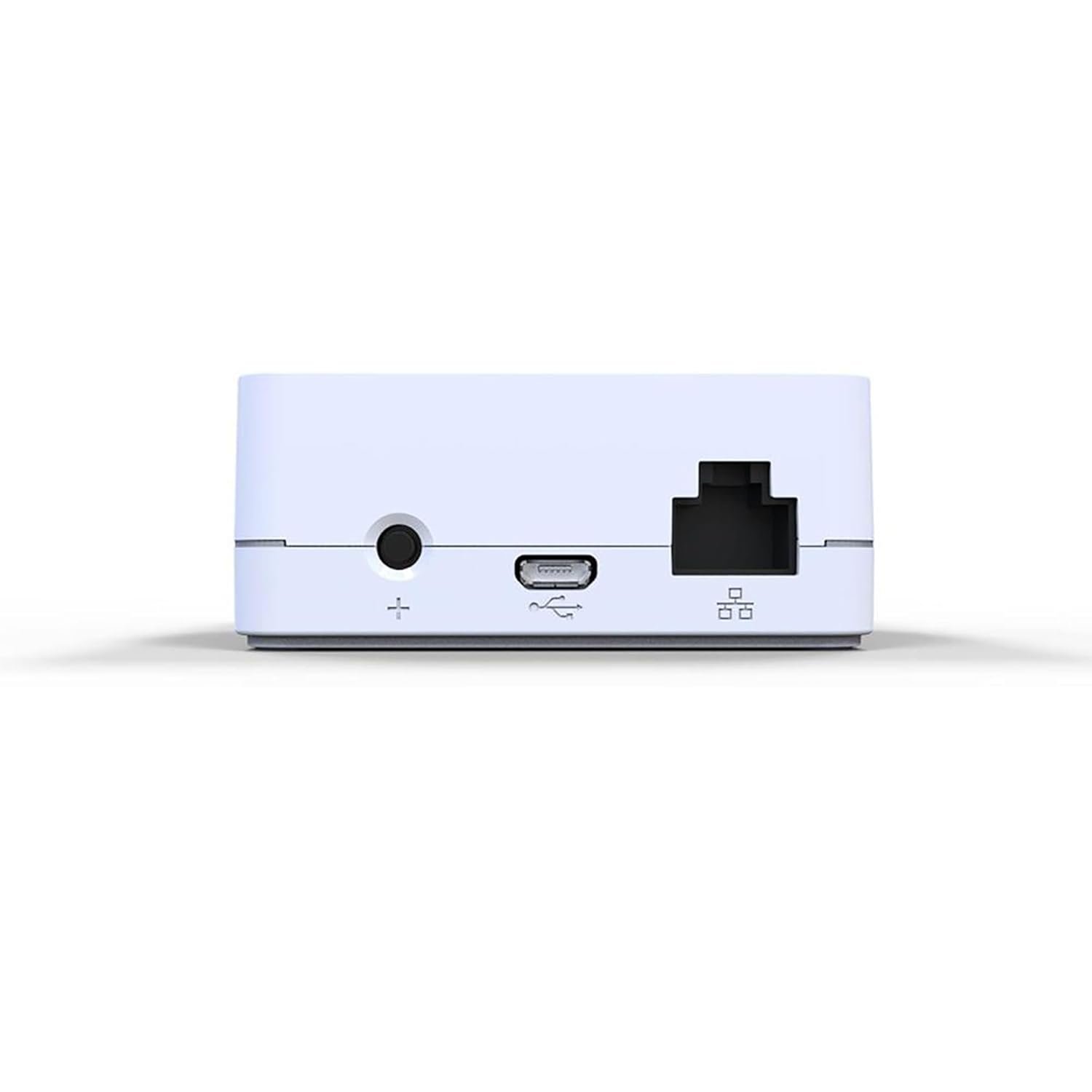
The Lutron Caseta Wireless Smart Bridge (model L-BDG2-WH) is sleek, modern, and compact. Its small white box design blends seamlessly into any home décor. Measuring just a few inches, the Lutron Caseta Wireless Smart Bridge can sit discreetly on a shelf or table, connected to your router via Ethernet. Its minimalist appearance hides the robust performance of the Lutron Caseta Wireless Smart Bridge, ensuring reliability without taking up unnecessary space.
How Does the Lutron Caseta Bridge Work?
The Caseta Bridge functions as the command center for your smart home. Here’s how it works:
- Connect the bridge to your Wi-Fi router using the included Ethernet cable.
- Download the Lutron app on your smartphone or tablet.
- Pair your Caseta wireless devices (dimmers, switches, shades) with the bridge.
- Control and automate everything through the app or your preferred voice assistant.
This straightforward process ensures even beginners can set up the system in minutes.
Compatibility with Smart Home Systems
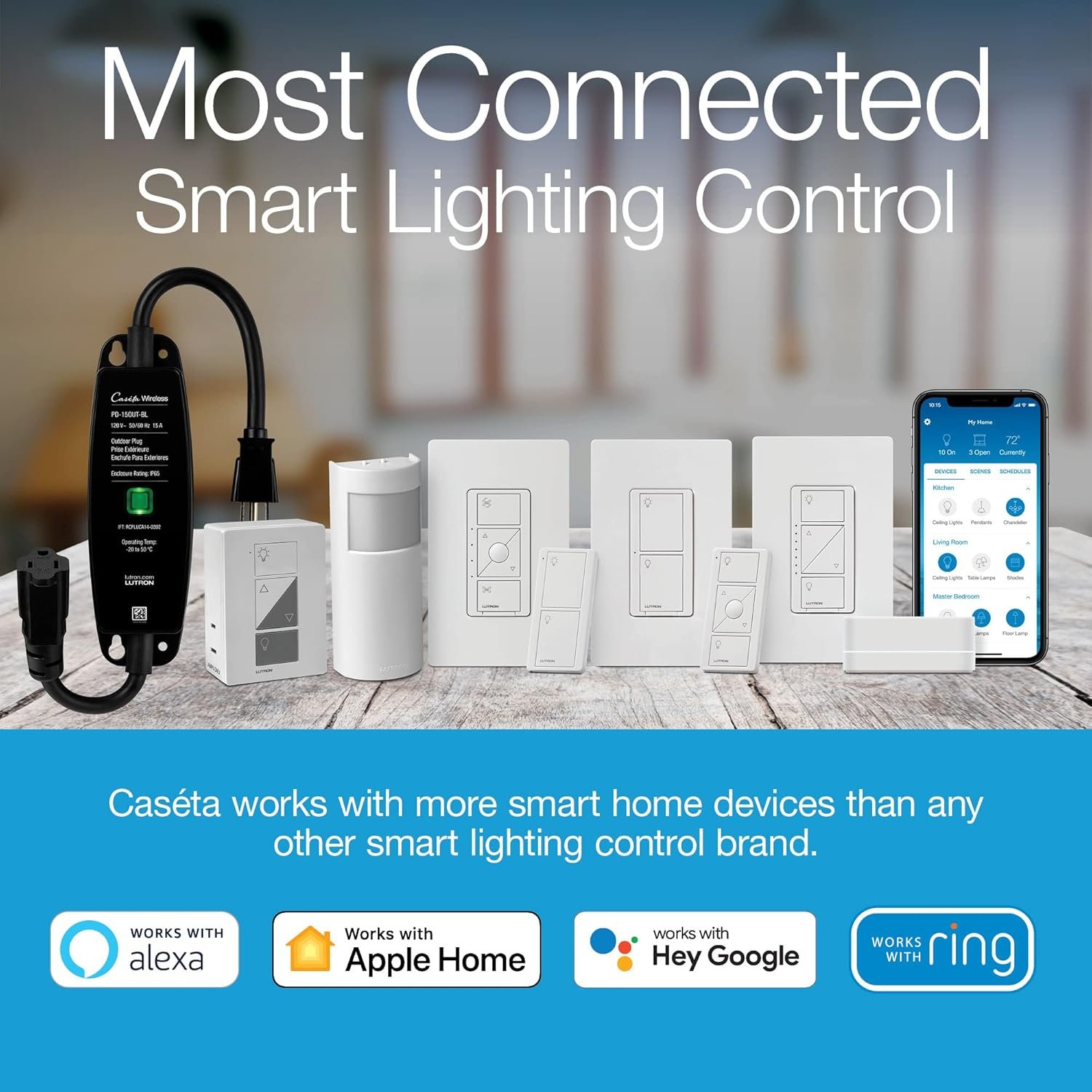
One of the biggest advantages of the Lutron Caseta Bridge is its wide compatibility. It works seamlessly with:
- Amazon Alexa – Control lights with simple voice commands.
- Apple HomeKit – Use Siri and the Home app for automation.
- Google Assistant – Hands-free control and routines.
- Ring Video Doorbell – Automatically turn on lights when motion is detected.
- Sonos Speakers – Create immersive music and lighting scenes.
- SmartThings Hub – Integrate with other smart devices for advanced automation.
This flexibility makes the Caseta Bridge one of the most future-proof investments in smart home technology.
Benefits of Using the Lutron Caseta Bridge
The Lutron Caseta L-BDG2-WH isn’t just about controlling lights – it brings real benefits to your lifestyle:
- Convenience – Control your entire home with a single app or your voice.
- Security – Use Smart Away mode to make your home look occupied when you’re out.
- Energy Efficiency – Automate dimming and schedules to save electricity.
- Scalability – Start small with a few devices and expand to cover your entire home.
- Reliability – Clear Connect RF ensures stable communication without Wi-Fi dropouts.
- Accessibility – Ideal for elderly or mobility-challenged family members.
Step-by-Step Setup Guide
Setting up the Lutron Caseta Smart Bridge is simple:
- Plug the bridge into a power outlet.
- Connect it to your router with the Ethernet cable.
- Install the Lutron app (iOS or Android).
- Follow the on-screen instructions to connect your devices.
- Customize scenes, schedules, and voice assistants.
In less than 10 minutes, your smart home hub will be ready to use.
Lutron Caseta App Experience
The Lutron app is intuitive and user-friendly. You can:
- Create custom lighting schedules.
- Control lights remotely while traveling.
- Monitor the status of your devices.
- Group lights into scenes like “Dinner,” “Bedtime,” or “Movie Night.”
The app’s reliability sets it apart from competitors, with fast response times and a clutter-free interface.
Who Should Buy the Lutron Caseta Smart Bridge?
This smart bridge is ideal for:
- Homeowners who want a reliable and expandable smart lighting system.
- Renters seeking easy installation without rewiring.
- Tech-savvy users who want integration with multiple smart platforms.
- Busy families who want convenience, automation, and energy savings.
- Travelers who need enhanced security with Smart Away mode.
Pros and Cons
Pros
- Wide compatibility with major platforms.
- Reliable Clear Connect RF technology.
- Easy setup and user-friendly app.
- Supports up to 75 devices.
- Excellent security and automation features.
Cons
- Requires an Ethernet connection (not Wi-Fi only).
- Limited to Lutron Caseta devices for direct control.
- Slightly higher initial investment compared to basic hubs.
Customer Reviews and Feedback
Thousands of users praise the Lutron Caseta Smart Bridge for its stability, reliability, and ease of use. Common highlights include:
- Seamless voice control with Alexa and Siri.
- Strong app performance with minimal lag.
- Excellent customer support from Lutron.
Some customers note the need for an Ethernet connection as a drawback, but most agree that the reliability outweighs this minor inconvenience.
Comparison with Other Smart Hubs
When compared to hubs like Philips Hue Bridge or SmartThings Hub, the Lutron Caseta Smart Bridge offers superior reliability and simplicity. While Philips Hue is limited mainly to lighting, Caseta supports lights, shades, and thermostats, making it more versatile. Unlike SmartThings, which can sometimes suffer from delays, Caseta ensures instant response times.
Where to Buy the Lutron Caseta Smart Bridge
You can purchase the Lutron Caseta L-BDG2-WH from trusted retailers such as:
- Amazon (best deals and fast shipping).
- Home Depot.
- Best Buy.
- Lutron’s official website.
Buying from reputable sources ensures authenticity, warranty, and reliable customer support.
Conclusion
The Lutron Caseta Wireless Smart Bridge L-BDG2-WH is more than just a hub – it’s the heartbeat of a smart home. With its unmatched reliability, wide compatibility, and user-friendly app, it provides the perfect foundation for home automation. Whether you’re starting small or building a fully connected smart ecosystem, the Caseta Bridge is a future-proof investment that enhances convenience, security, and energy efficiency.
If you’re serious about upgrading your home with smart technology, the Lutron Caseta Smart Bridge should be at the top of your list. It’s simple, powerful, and built to make your life easier.
Find more product reviews Here